

Basic example: trace Llama 3.1 8B with Weave
This example shows how to send a prompt to the Llama 3.1 8B model and trace the call with Weave. Tracing captures the full input and output of the LLM call, monitors performance, and lets you analyze results in the Weave UI. In this example:- You define a
@weave.op()-decorated function that makes a chat completion request. - Weave records your traces and links them to your W&B entity and project.
- Weave automatically traces the function, logging inputs, outputs, latency, and metadata.
- The result prints in the terminal, and the trace appears in your Traces tab at https://wandb.ai.
- Click the link printed in the terminal. For example,
https://wandb.ai/[YOUR-TEAM]/[YOUR-PROJECT]/r/call/01977f8f-839d-7dda-b0c2-27292ef0e04g. - Navigate to https://wandb.ai and select the Traces tab.
Advanced example: use Weave evaluations and leaderboards
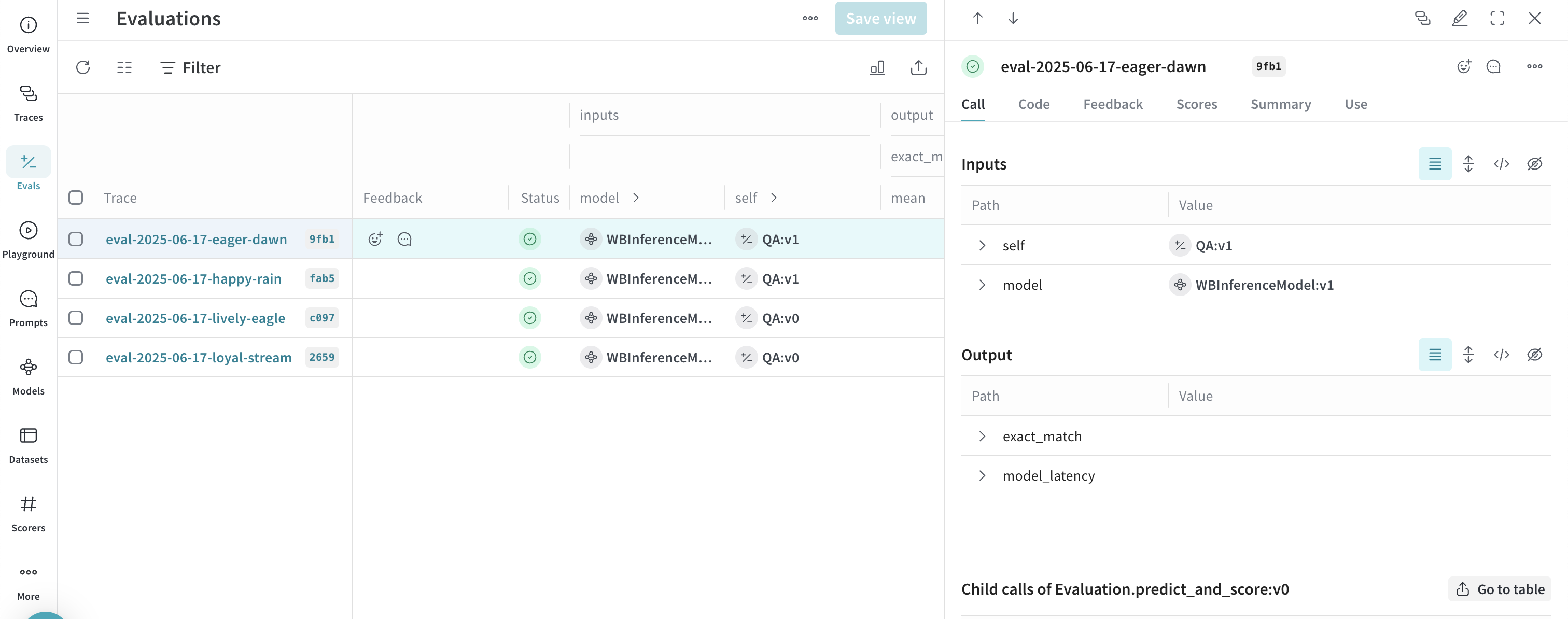
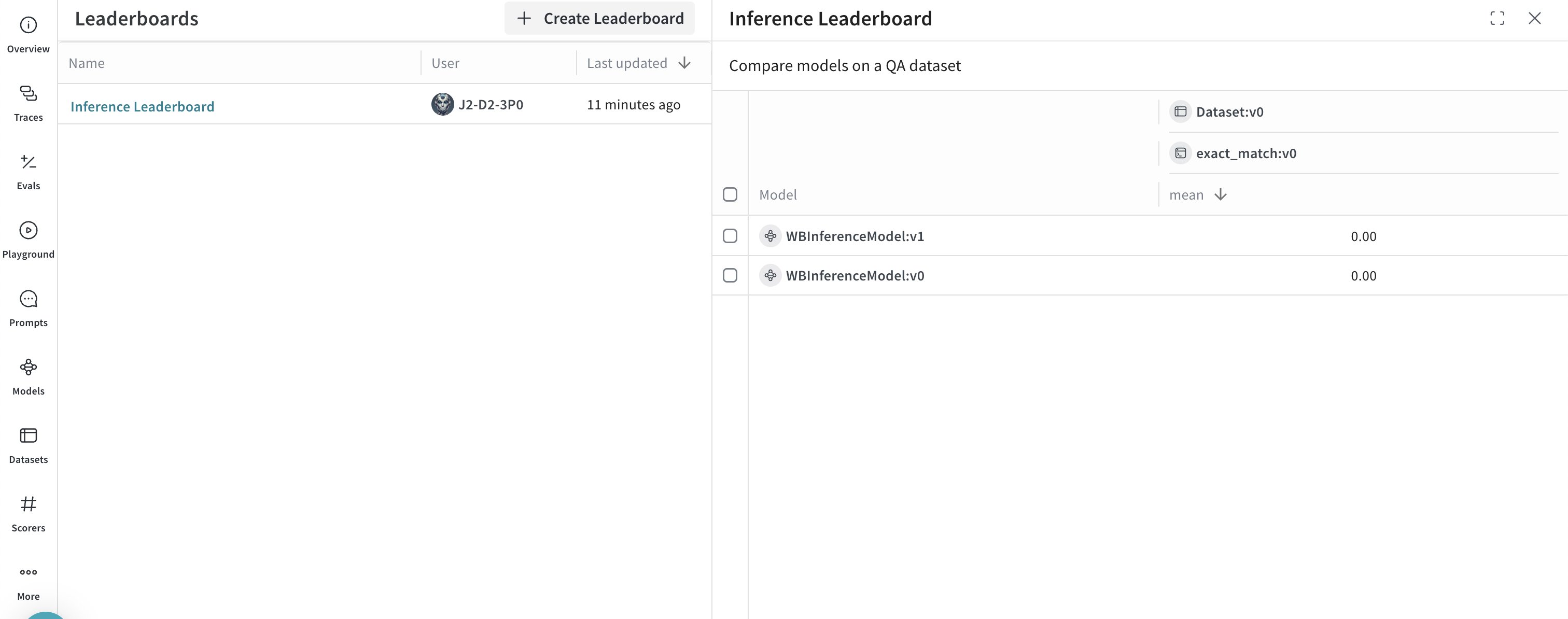
Besides tracing model calls, you can evaluate performance and publish leaderboards. This example compares two models on a question-answer dataset to show how Llama 3.1 8B and DeepSeek-V3 perform against the same prompts.- Select the Traces tab to view your traces.
- Select the Evals tab to view your model evaluations.
- Select the Leaders tab to view the generated leaderboard.
Next steps
To continue exploring Serverless Inference, try the following:- Explore the API reference for all available methods.
- Try models in the UI.